

Unreal Engine plugin
LenguASR
Offline speech recognition
for Unreal Engine.
LenguASR turns microphone audio into text in Unreal Engine. It runs on the CPU, and you can use its Blueprint events for voice commands, NPC interactions or subtitles.
- CPU inference
- Offline at runtime
- Windows x64
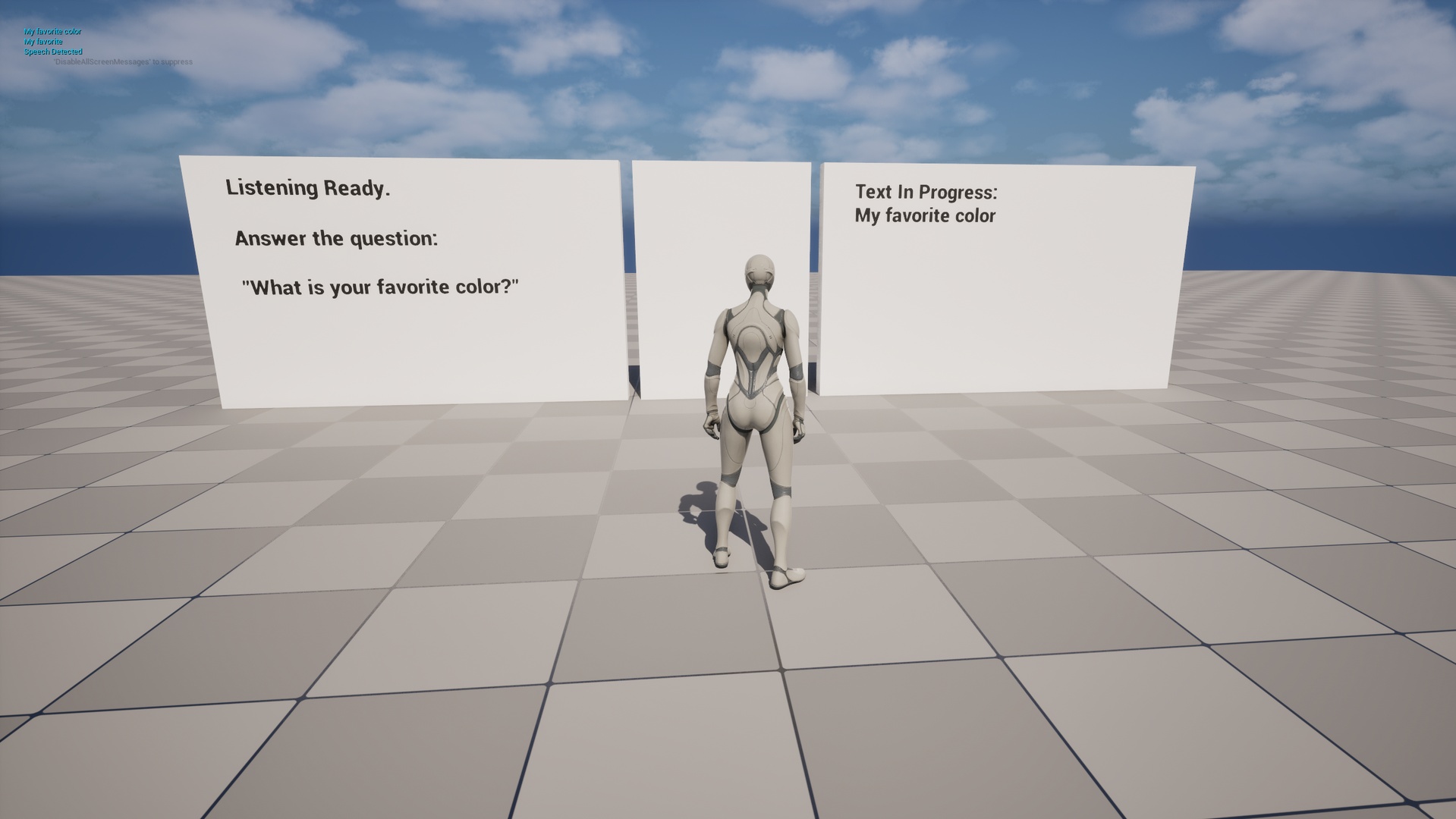
Built for games.
- Keep the GPU for rendering.
- Speech recognition runs on the CPU. You can adjust the ASR and VAD thread counts to fit your game’s workload and preload the model before the player starts speaking.
- Capture and detect speech.
- Microphone input and Silero voice activity detection are built in. You can leave the mic on and let VAD detect phrases, or use manual capture for push-to-talk.
- Work directly in Blueprints.
- Add the LenguASR Speech component to an actor and bind the partial and final transcript events. You control when to load, initialise, stop and unload the recognizer.
- Run without a connection.
- Once you’ve installed the multilingual Nemotron and Silero models, the runtime doesn’t need Python, an API key or a network connection. Audio stays on the player’s machine.
From component to text.
- Install the models. Open Tools → LenguASR Models in the editor and choose Download / verify models.
- Add LenguASR Speech. Attach the component to an actor, choose your listening mode, and bind transcript and error events.
- Initialise, then listen. Wait for On Recognition Initialized, then call Start Listening.
- Use the transcript. Read Transcript.Text from On Final Transcript in your game logic.
Follow the complete Blueprint guide →
Before you start.
- Platform
- Windows x64. Check the Fab listing for compatible Unreal Engine versions. Enable Epic’s AudioCapture plugin for microphone input.
- CPU
- For real-time recognition, you’ll need a modern AVX2-capable CPU and a suitable build. Older CPUs can use the baseline libraries, but take longer to return text. Read about AVX2 selection and test with your game running.
- Models & memory
- The models are about 708 MB to download. Allow 1.25 GB of additional available memory per active recognizer. You can unload the models when you don’t need them.
- Consoles
- This release doesn’t include PS5 or Xbox Series X|S libraries. Contact us for help with integration. You’ll need an approved platform developer account.
Recognition speed depends on the player’s CPU and the game workload. The performance notes include measured baseline results and their test conditions.
Included with the plugin.
The plugin includes the complete C++ source, a Blueprint-accessible component, Windows x64 native CPU libraries and the editor model downloader. You’ll install the model weights separately. You can find the model terms in the downloader and the third-party notices in the plugin folder.
Support
Need help?
Send us your engine version, CPU, microphone, listening mode, relevant settings and LenguASR logs.