

LenguASR / Documentation
Demo & downloads
Try LenguASR in a standalone Windows demo and see the transcript as you speak. You don’t need Unreal Editor to run it.
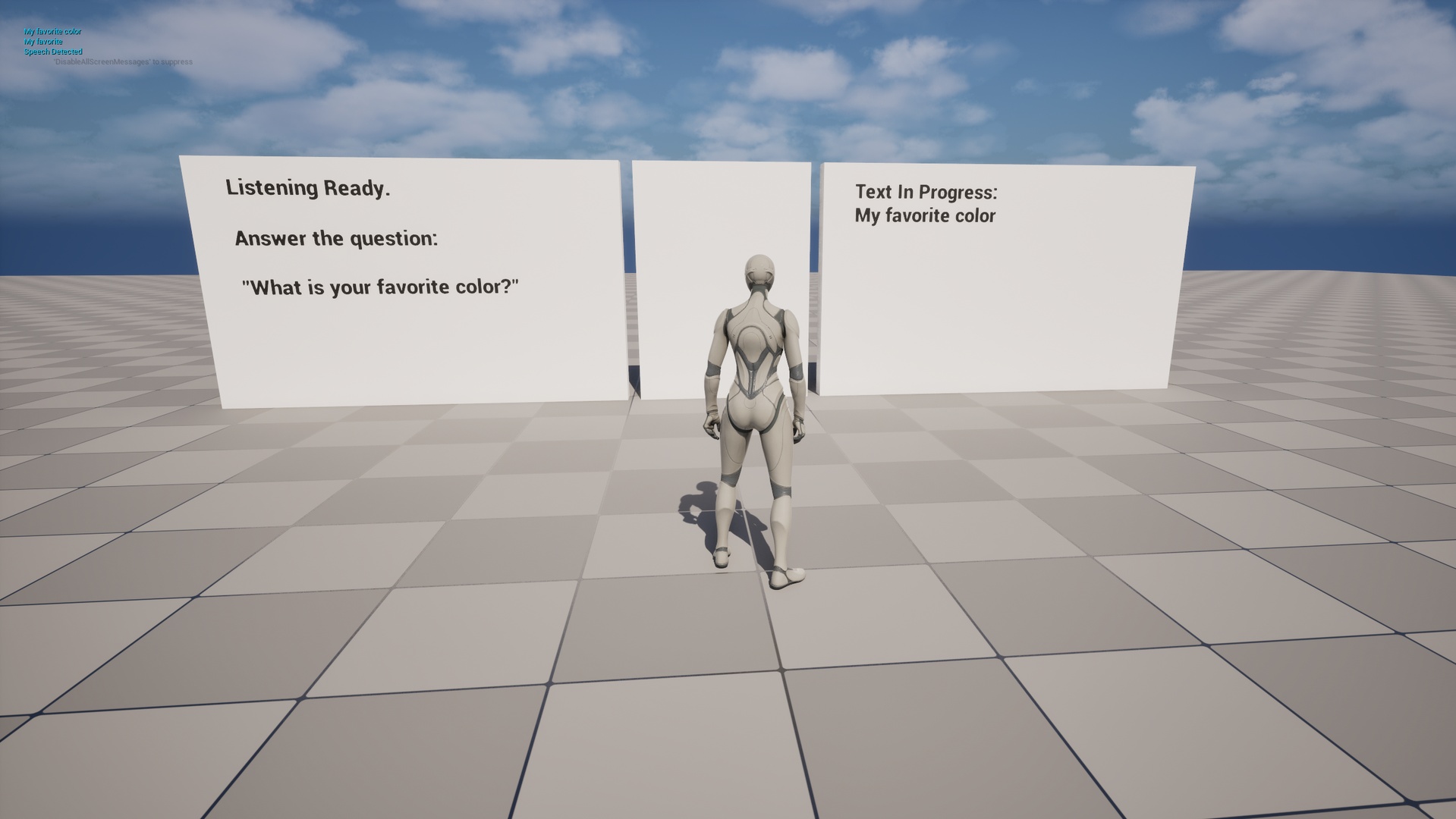
Standalone Windows application
LenguASR Windows demo
Try speech recognition on your own machine. Both the Nemotron and Silero models are included, so you don’t need to install Unreal Editor or download the models separately.
Download Windows demoWindows x64 · ZIP · 1.13 GB · Speech To Text Models included
Run the demo
- Download the ZIP and extract the whole
LenguASRDemofolder. - Open that folder and run
SpeechPlugin574.exe. Keep the other files and folders alongside it. - Make sure Windows allows desktop apps to use your microphone, then speak to see your words appear in the scene.
Recognition runs locally. For real-time use, you’ll need a modern AVX2-capable CPU. See the system requirements for more details.
To add LenguASR to your own Unreal Engine project, follow Setup & Blueprints.
Support
Need help?
If you run into trouble with the demo, tell us your Windows version, CPU, microphone and what happened.